Compass
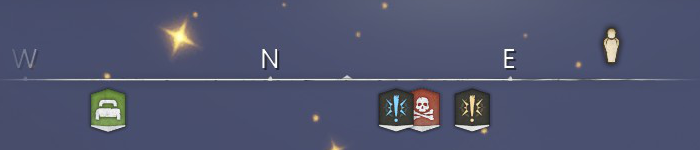
The compass is an overhead interface where players can navigate and find their respawn point/bed, death marker, active main/side quests, and the NPC markers needed for those active quests. The compass features four cardinal directions, north, south, east, and west, with a distance to the markers in metres. Players can also view other players if they are in a multiplayer world. Casting the Summon Stone Spirits spell can display nearby clay and ores up to 200m.
Markers
Compass
| Icon | Description | Notes |
|---|---|---|
|
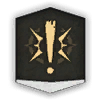
Primary quest marker | Appears when a player starts the main quest |
|
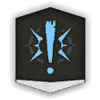
Secondary quest marker | Appears when a player starts a side quest |
|
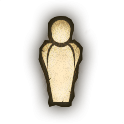
Primary quest NPC marker | Assists the player with the next NPC to talk to for the main quest |
|
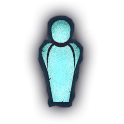
Secondary quest NPC marker | Assists the player with the next NPC to talk to for a side quest |
|
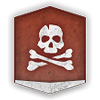
Gravestone entrance marker | Appears at the site of the player's death - deaths within vaults and Velgar's Rise will spawn a marker at the entrance. |

|
Vault entrance marker | Appears when the player unlocks a region of the map |

|
Respawn marker | Appears when the player sets their respawn point on their bed roll or bed |

|
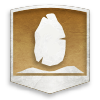
Eldergate location | Upcoming in a future update |
|
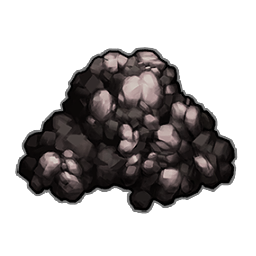
Boss location | Upcoming in a future update |
|
Tin deposit marker | Appears when the player casts the Summon Stone Spirits spell |
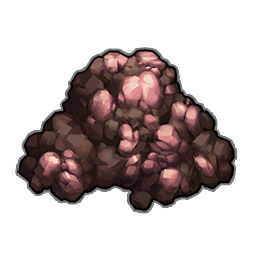
|
Iron deposit marker | Appears when the player casts the Summon Stone Spirits spell |
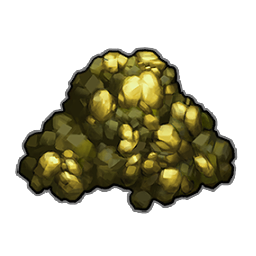
|
Gold deposit marker | Appears when the player casts the Summon Stone Spirits spell |
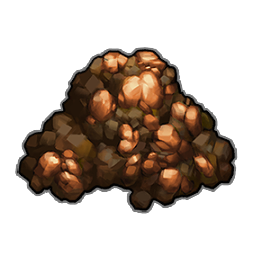
|
Copper deposit marker | Appears when the player casts the Summon Stone Spirits spell |
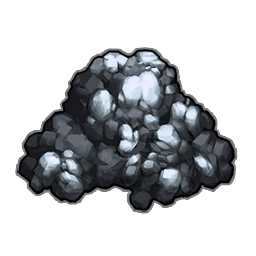
|
Silver deposit marker | Appears when the player casts the Summon Stone Spirits spell |
|
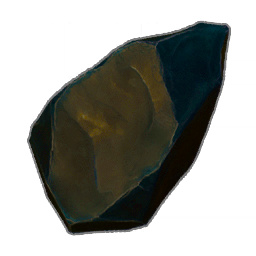
Clay deposit marker | Appears when the player casts the Summon Stone Spirits spell |
Map icons
| Icon | Description |
|---|---|
.png)
|
Shown if the player clicks on the paw-like icon upon right-clicking the map. |
.png)
|
Shown if the player clicks on the house-like icon upon right-clicking the map. |
.png)
|
Shown if the player clicks on the stone-like icon upon right-clicking the map. |
.png)
|
Shown if the player clicks on the leaf-like icon upon right-clicking the map. |
.png)
|
Shown if the player clicks on the tree-like icon upon right-clicking the map. |
.png)
|
Shown if the player clicks on the pin-like icon upon right-clicking the map. |
.png)
|
Displays other players, shown if the player is in a multiplayer world |
Update history
This information is based on the changelogs of the game.
Źródło: Zobacz na oficjalnej wiki (Treść pochodzi z RuneScape Wiki, CC BY-NC-SA 3.0)